
Security and data
Zevli is an installation on equipment that belongs to you, with its own database. This page describes how it is protected.
Ownership and access
The CRM and the database live on your equipment. We have no access to your data or your clients’ data. Provider connections go through Zevli Connect, which delivers signed credentials to your equipment and does not keep them.
- Your own database on the equipment.
- Works on the local network even if the internet goes down; the license is verified on the equipment itself.
- Data export and deletion of a client with everything that belongs to them.
Isolation per company
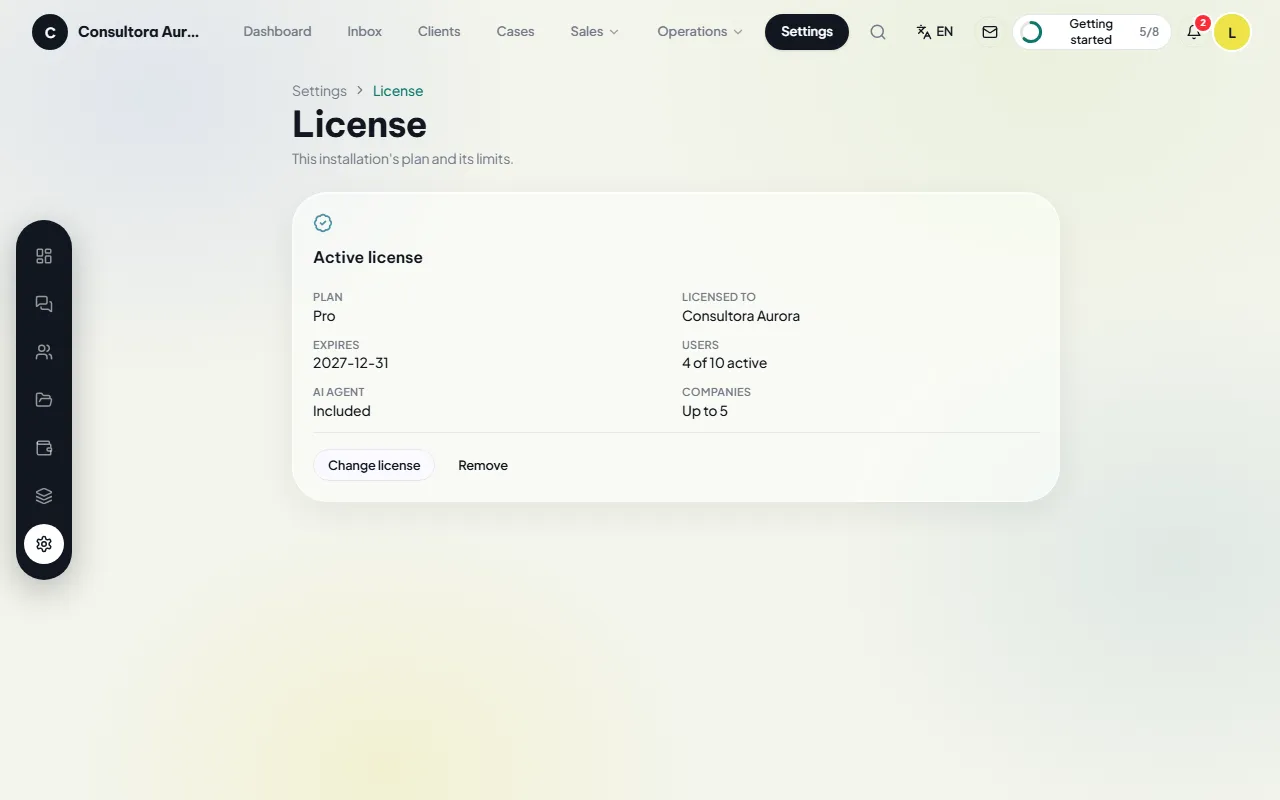
Several companies can share the same equipment. Each one sees only its own clients, cases, figures, staff and integrations. The separation is enforced in the database (RLS) and covered by a SQL test suite.
- Access rules on every table.
- The lock, balances and case numbering are enforced in the database too.
Roles, permissions and sign-in
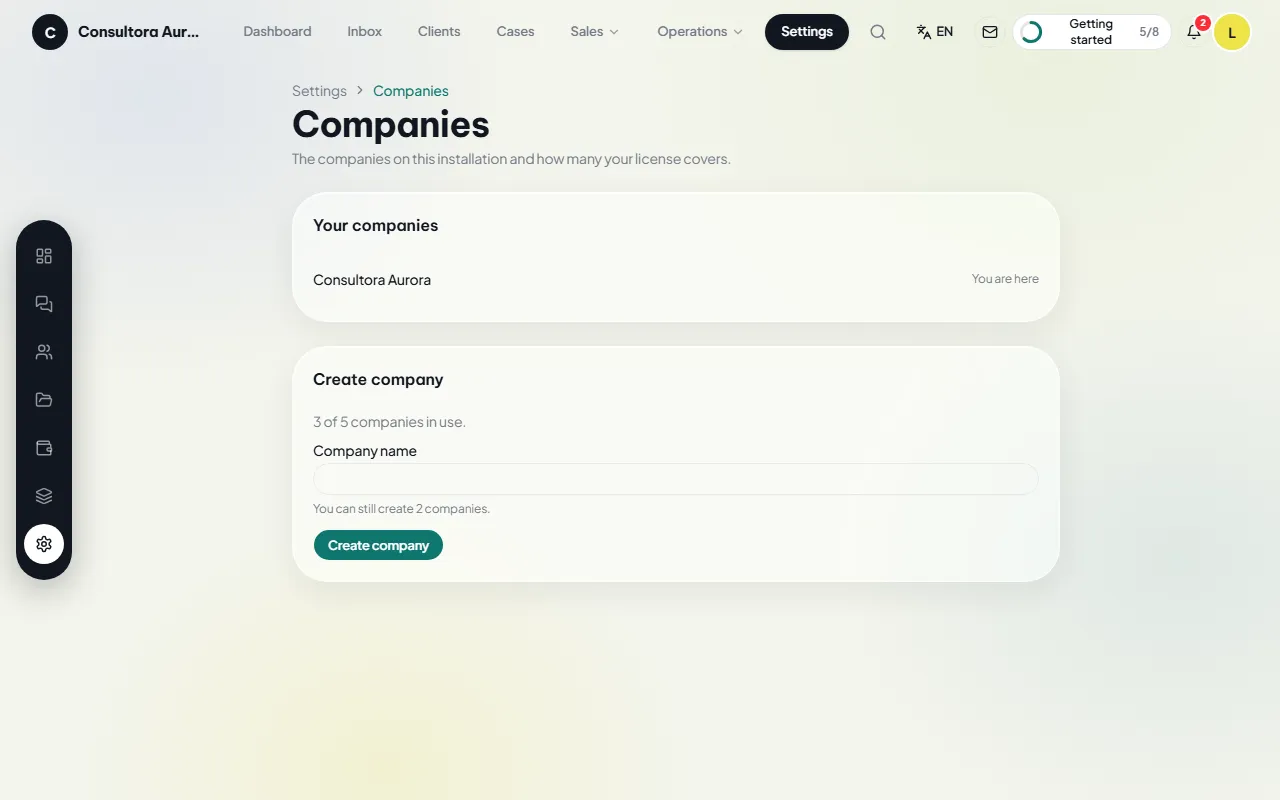
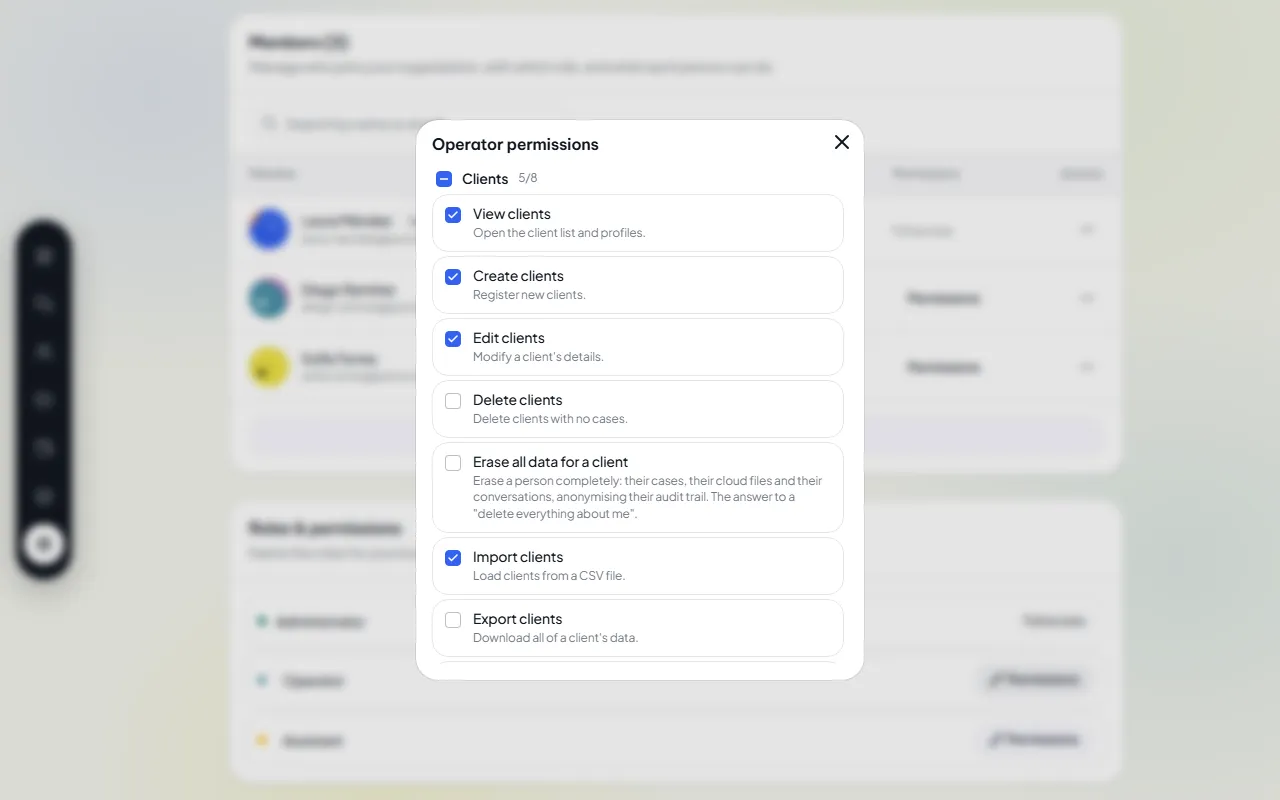
Three built-in roles (Administrator, Operator and Assistant), with permissions adjustable per role and per person. The assistant never sees amounts. Every user protects their account with two-step verification (TOTP) and can sign in with their Google account.
- Email invitations and access deactivation.
- Two-step verification per user.
- Password recovery with email verification.
Encryption and verification
Integration credentials are stored encrypted with AES-256-GCM and are never displayed or sent to the browser. Each provider’s webhooks are verified by signature or token. The application is served with a strict content security policy.
- Mandatory communication consent before messaging a client.
Audit log
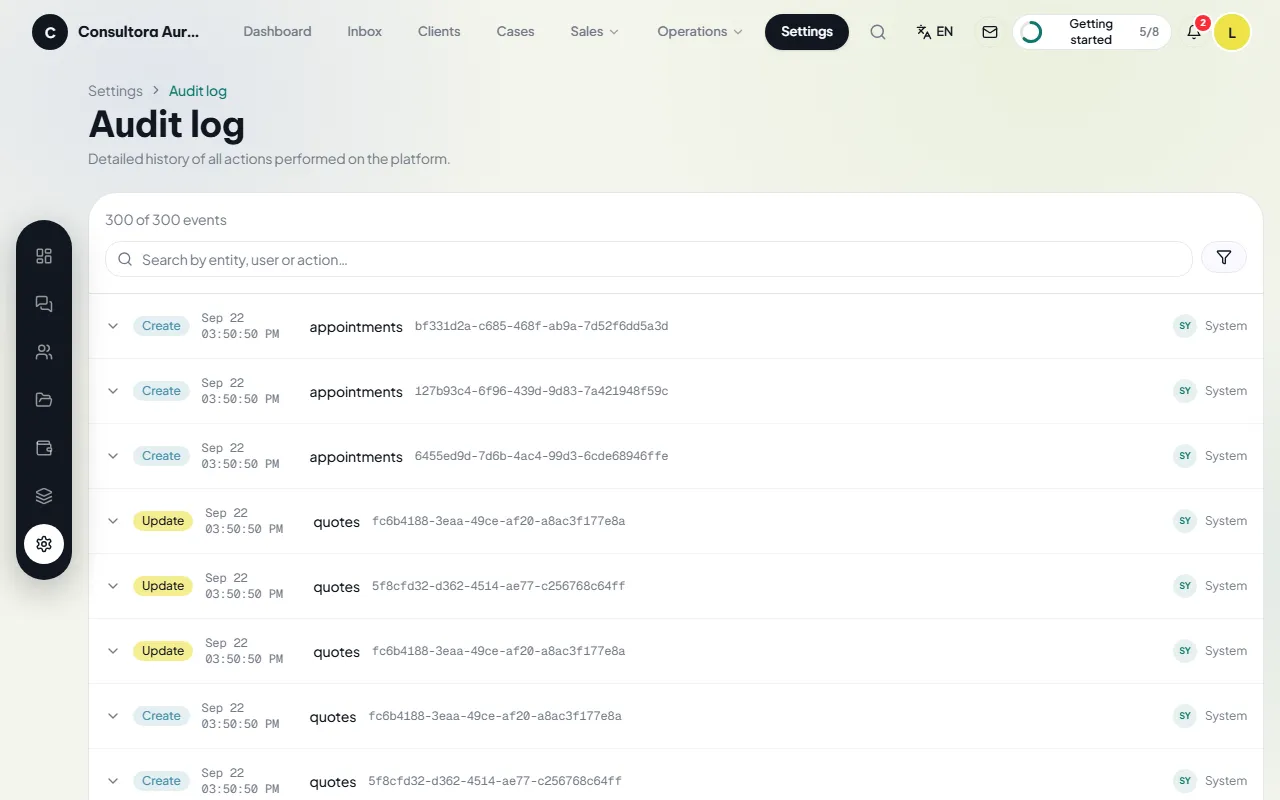
Every creation, edit and deletion is recorded: who, when and what changed. The log cannot be altered.
- Filters by person, action and date.
- Details of every change.
Backups
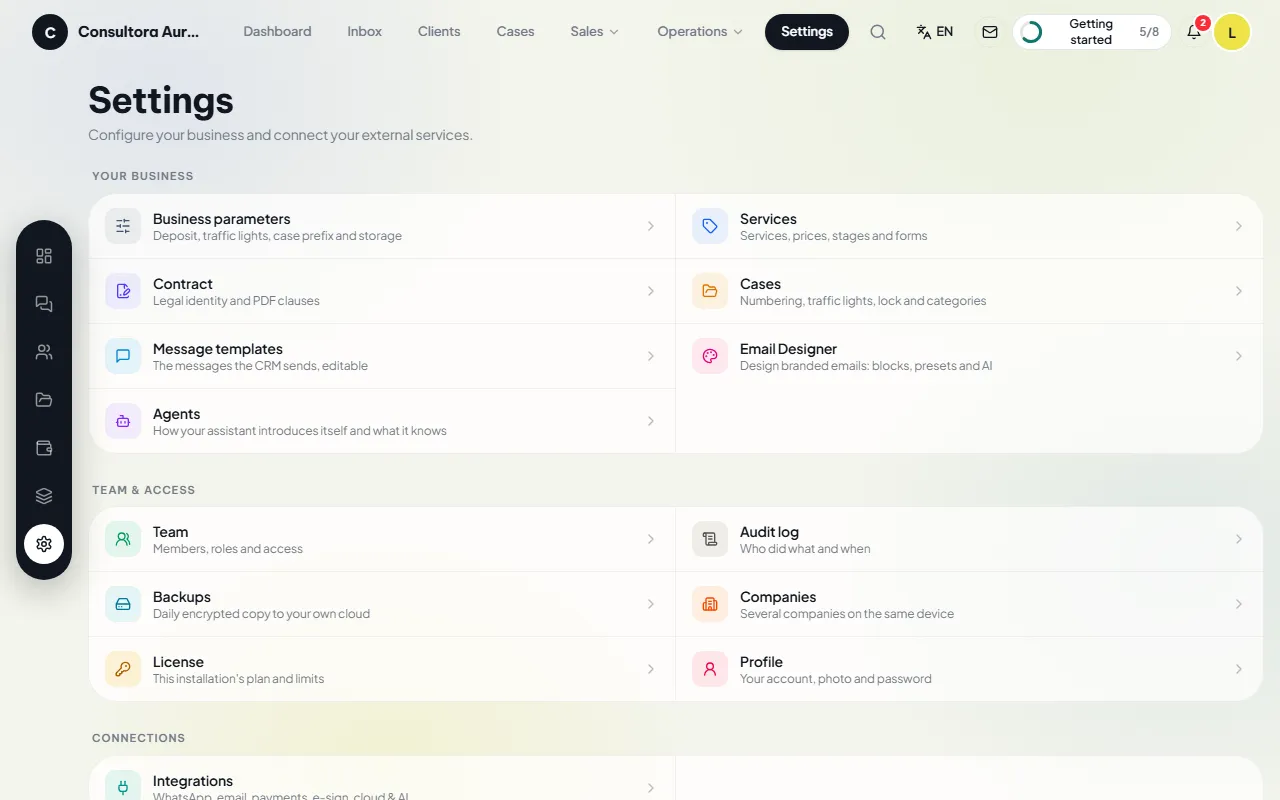
A daily encrypted copy of the database and documents to the business’s own cloud (Google Drive or OneDrive), with configurable retention and automatic monthly verification. The encryption key is generated in your browser and only you hold it: without it nobody can open a backup, us included.
- Restore from the application with a restore point.
- Documented procedure to bring up new equipment from a backup.
Product legal documents
The Zevli CRM Privacy policy, Terms of service and DMCA policy are published on this site and in every installation.